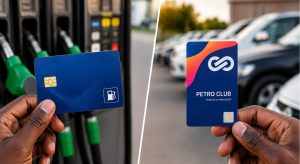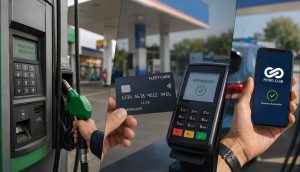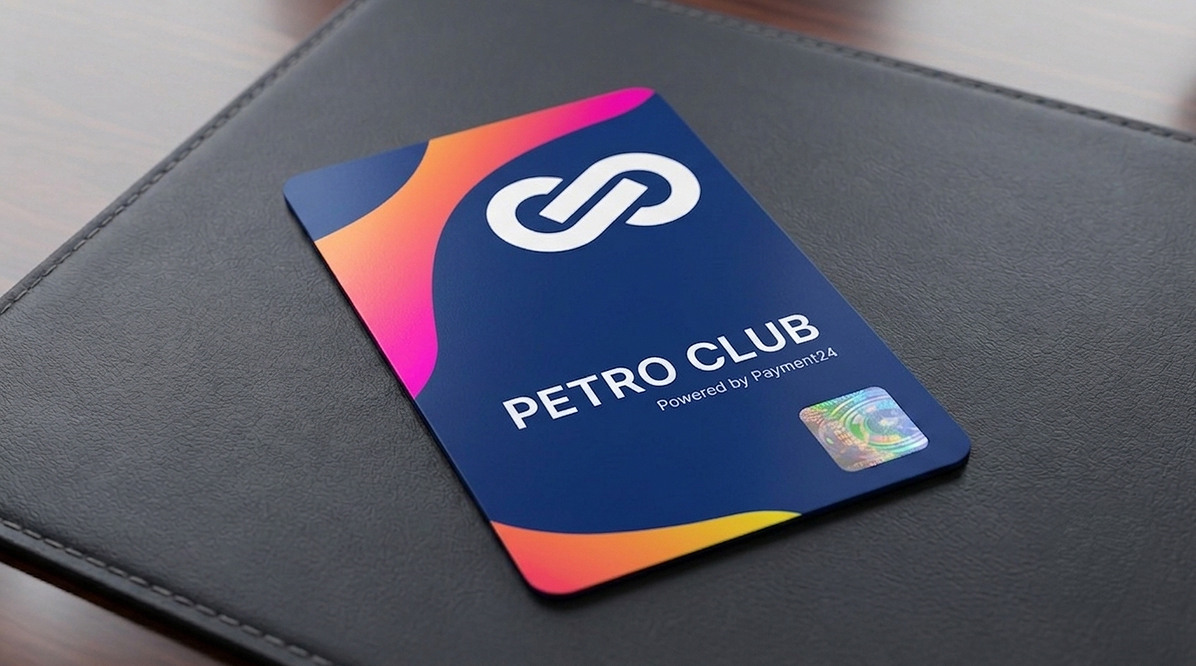
A fleet card transaction works in four steps: the driver arrives at a partner station, the vehicle and driver are verified together, fuel is dispensed up to the authorised amount, and the transaction lands in your dashboard in real time. Each step exists to stop fraud and give you full visibility, without adding a single extra task for the driver.
Introduction
A fleet card only works because of what happens at each step. Tap, verify, dispense, log. Miss one, and you lose either the fraud protection or the visibility.
Our Fleet Fuel Management guide covers this in a paragraph. Here’s the full picture, so you know exactly what’s happening behind every fill, and can troubleshoot it if something doesn’t go to plan.
Before Refuelling: Getting Set Up
Before any of this happens at the pump, three things need to be in place.
- Each vehicle is enrolled on your account
- A Smart Tag is issued and fixed to the windscreen
- Each driver gets a personal PIN
This is a one-time setup, not part of the daily routine. Once it’s done, refuelling itself takes seconds.
🔑 One-Time Setup: Enrol vehicles → Issue Smart Tags → Assign PINs. After that, refuelling takes seconds.
Step 1: Arriving at the Station
The driver pulls in to any of Petro Club’s 2,000+ partner stations, with the Smart Tag already fixed to the windscreen.
The tag stays with the vehicle. It can’t be handed off or moved to another vehicle without visible damage, which is exactly the point.
Step 2: Verifying Vehicle and Driver
Before anything is authorised, the terminal checks both the Smart Tag and the driver’s PIN.
Why both? Because either one on its own tells you half a story. The tag confirms which vehicle is at the pump. The PIN confirms which driver is refuelling it. Together, they confirm the fill matches who’s actually meant to be buying fuel, on that vehicle, right now.
✅ Dual Verification: Smart Tag (vehicle) + PIN (driver) = both must match. No vehicle, no fill. No PIN, no fill.
Step 3: Fuelling and Authorisation
Once verified, fuel is dispensed up to the authorised amount, whether that’s drawn from an open wallet balance or a pre-set fuel order.
If there’s a shortfall or an overage against what was authorised, it’s recorded automatically. Nothing needs to be flagged manually.
Step 4: Transaction Logged in Real Time
Vehicle, driver, station, litres, value, and timestamp – all land in your dashboard within seconds.
No manual reconciliation. No paper slips. No waiting for month-end to see what happened.
⚡ Real-Time Visibility: Every transaction appears in your dashboard within seconds. Know exactly what your fleet is spending, as it happens.
FAQs
What happens if a driver forgets their PIN?
The transaction can’t be authorised without it. The driver will need to contact your business or Petro Club to have their PIN reset before refuelling.
Can a vehicle be used by more than one driver?
Yes. The Smart Tag stays with the vehicle, and each driver uses their own PIN, so you still get an accurate record of who refuelled it and when.
What happens if the Smart Tag is lost or damaged?
Report it and Petro Club will deactivate it immediately, then issue a replacement.
How fast does a transaction show up on the dashboard?
Within seconds of the fill being authorised at the pump.
Conclusion
For the driver, it’s simple. Pull in, tap, fill up, drive off. Behind that, you get full visibility on every vehicle, every driver, and every litre.
That same Smart Tag and PIN check that makes refuelling quick is also what shuts the door on fraud. See exactly how Smart Tags prevent fuel theft.